Desktop widgets for Windows 10 and 11

Your wallpaper,under glass.

28 widgets on real glass that bends whatever is behind it. The ones on the right are live: they keep your time, run a timer and read your battery. Drag them anywhere.

Saturday

16:41

October 24

Week 43

70%

of today

12369Sat 24

San Francisco

63°

Partly Cloudy

H:64° L:48°

Focus

14:32

76%

Charging, 1h 20m to full

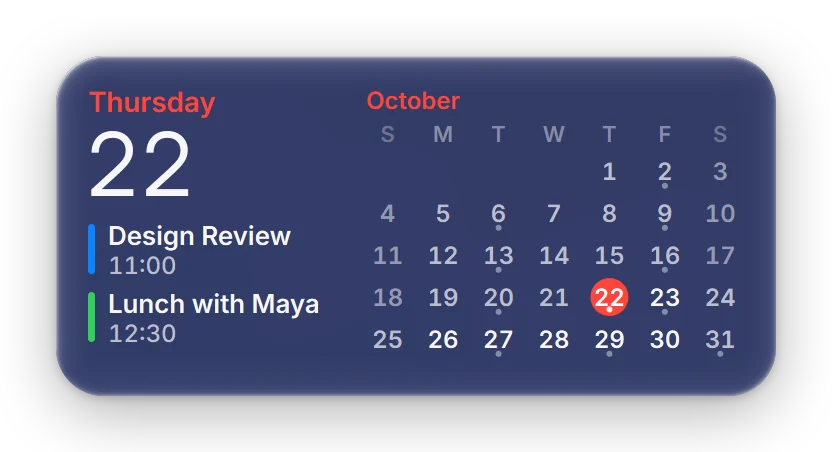
Thursday

22

Design Review 11:00

Lunch with Maya 12:30

October

SMTWTFS12345678910111213141516171819202122232425262728293031

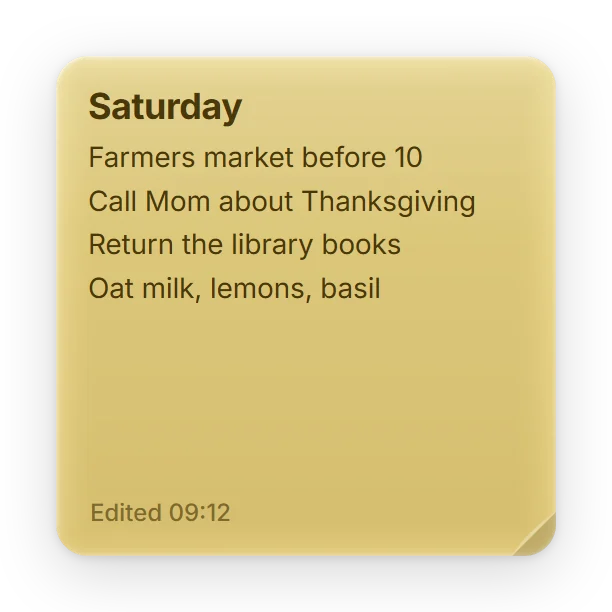
Saturday

Click and type here. It saves as you type in the real app.

Pick a wallpaper.
Watch the glass.

A cliffed coast at sunset with eight Sillpop widgets on the right and a sticky note at the bottom leftTwo hikers on a sand dune under mountains, with eight Sillpop widgets on the right and a sticky note at the bottom leftThe Chain Bridge in Budapest lit at night, with eight Sillpop widgets on the right and a sticky note at the bottom left

Glass that bends your wallpaper.

Sunset warms the rim. The glass picks up the amber sky and the green of the cliff.
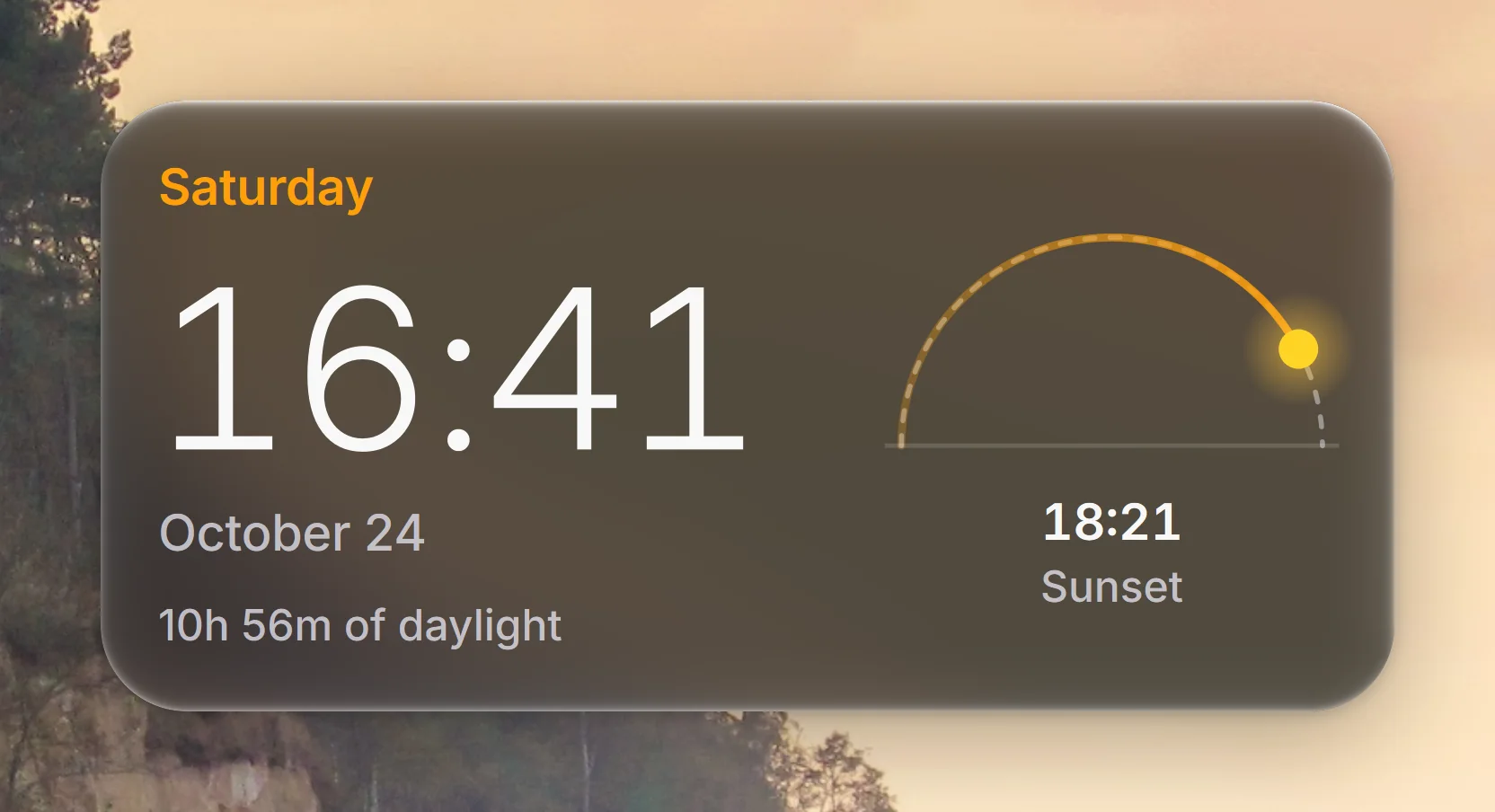
Close-up of the Digital Clock's rounded glass edge over a coastal sunset

Not blur. Optics.

A curved bezel

Every card is a slab of glass with a rounded edge. For each pixel, Sillpop works out where your wallpaper lands after it bends through that edge.

Colour at the rim

Light splits slightly where the glass curves, so the edge carries a thin trace of colour, the way real glass does.

Readable on anything

A tint in the middle keeps text at WCAG AA contrast on bright skies, busy cities and dark photographs alike.

A light that follows you

Under the pointer the card lifts, and the light on its glass moves with your cursor.

It follows Windows.

Switch Windows to light or dark and every widget follows. Turn off transparency or turn on High Contrast and the glass becomes a solid card.

Widgets in dark mode over a sand duneThe same widgets in light modeDarkLight

28 widgets. One shelf.

Time, weather, your PC, focus, calendars, money and the small things at home. Every one on the same glass.
4

Time

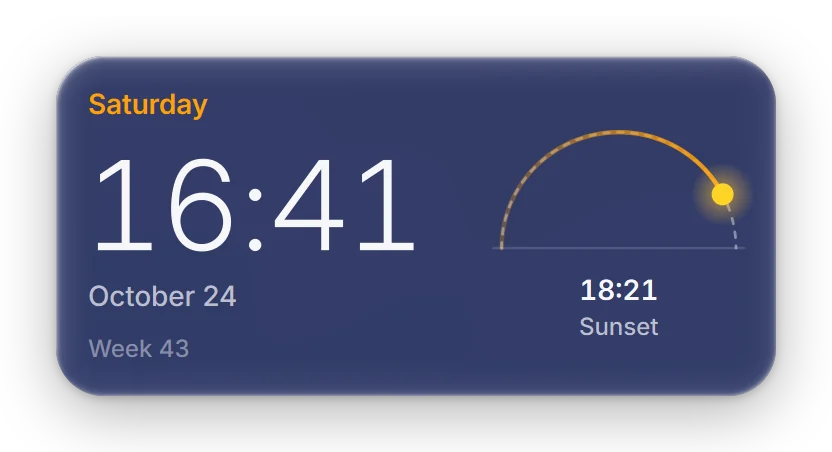
Digital Clock
Digital ClockFollow the sun across your day beside a clock that rolls each minute into place.
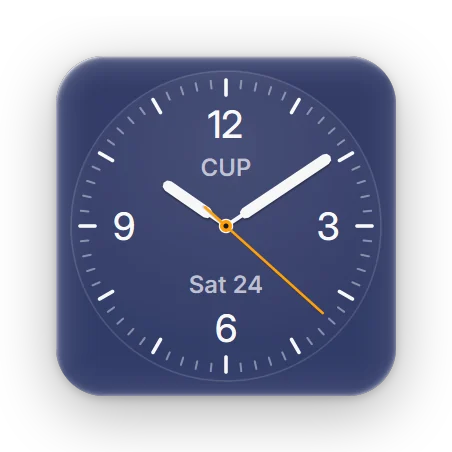
Analog Clock
Analog ClockKeep time on a watch-grade dial that turns to night glass after sunset.
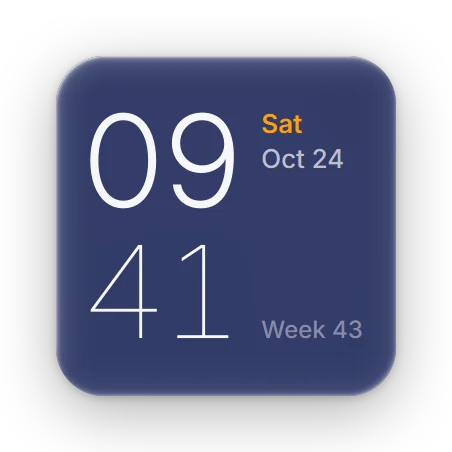
Minimal Clock
Minimal ClockRead the time in two quiet lines of large, light type.
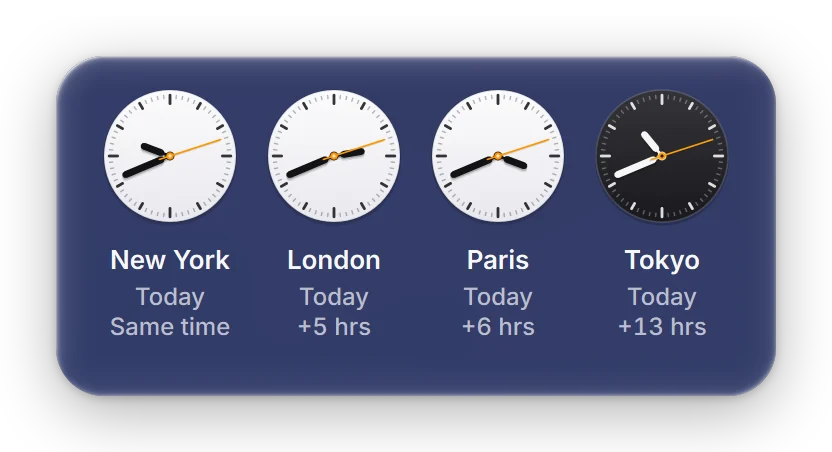
Multi-Time-Zone Clock
Multi-Time-Zone ClockSee the time in four cities at a glance, with faces that follow day and night.
4

Weather & maps

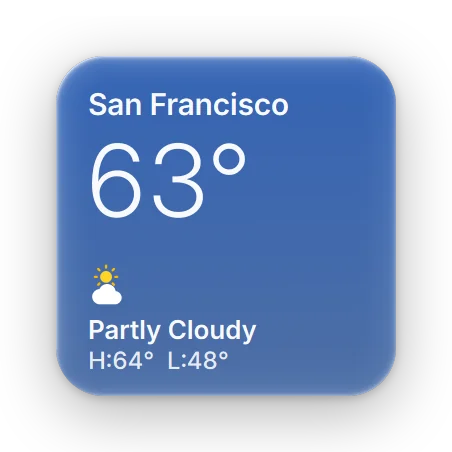
Current Weather
Current WeatherSee the conditions outside on glass that takes on the color of the sky.
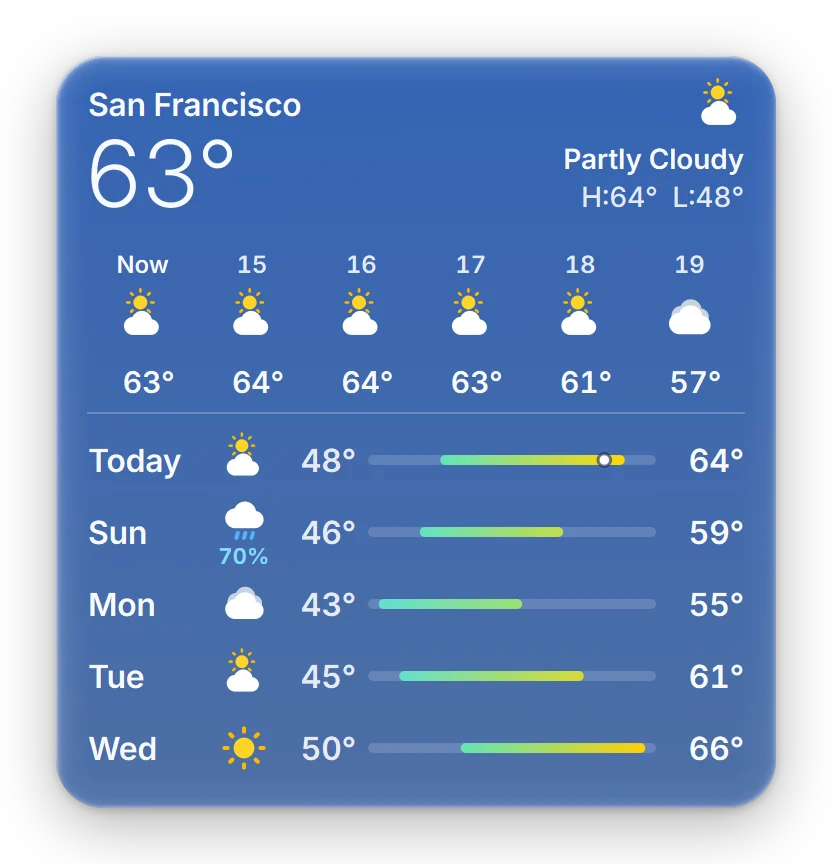
Weather Forecast
Weather ForecastThe next six hours and five days, on glass that takes on the color of the sky.
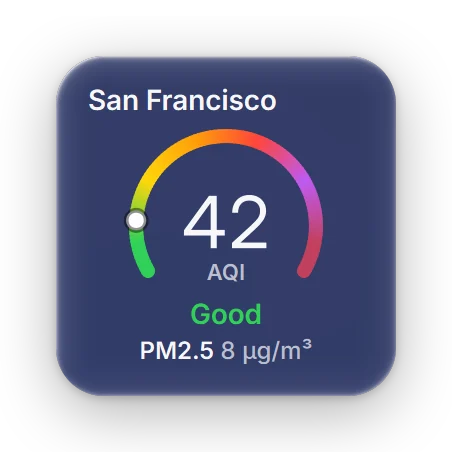
Air Quality
Air QualityKnow how clean the air is right now, on the official scale for where you live.
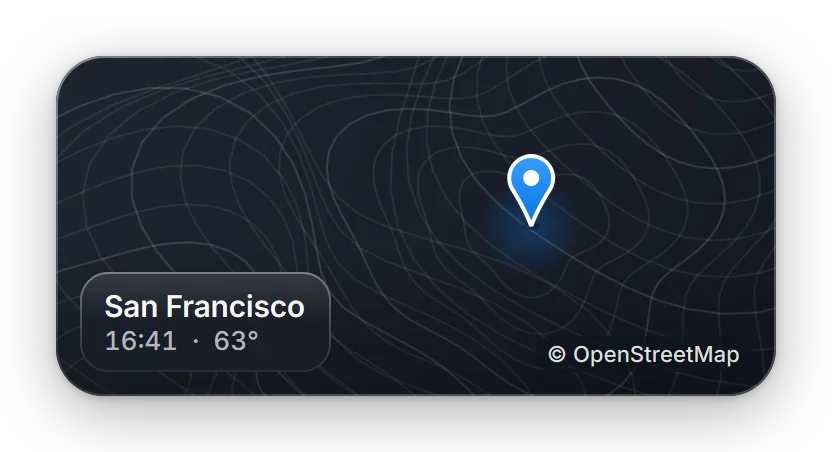
Quick Map View
Quick Map ViewKeep a map of any place on your desktop, with its local time and temperature.
3

Your PC

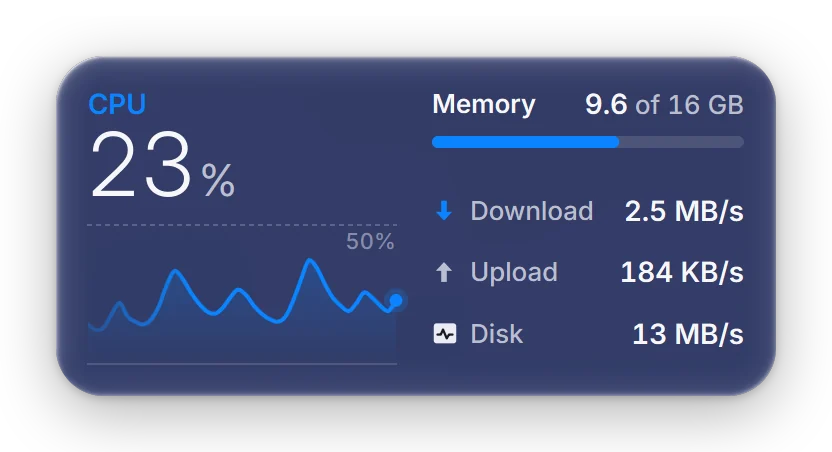
System Monitor
System MonitorProcessor, memory, network and disk, with a live sixty-second CPU history.
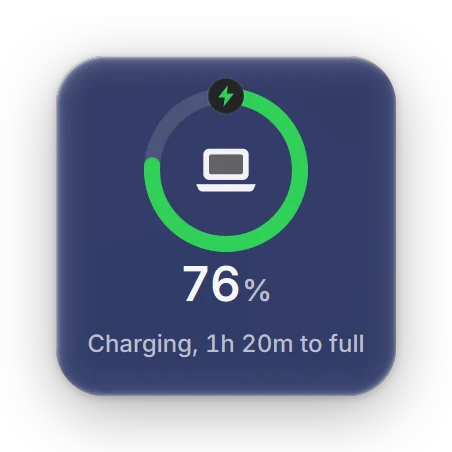
Battery Status
Battery StatusYour battery's charge, with time remaining or time to full.
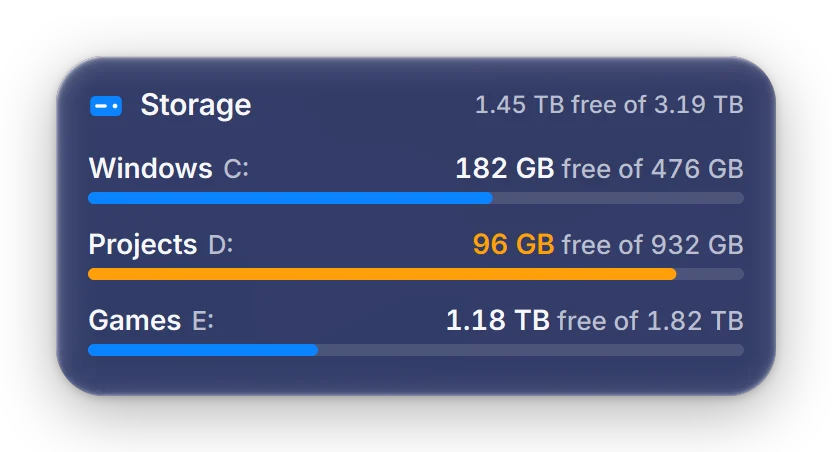
Storage Space
Storage SpaceHow much room is left on every drive, counted the way Windows counts it.
6

Focus

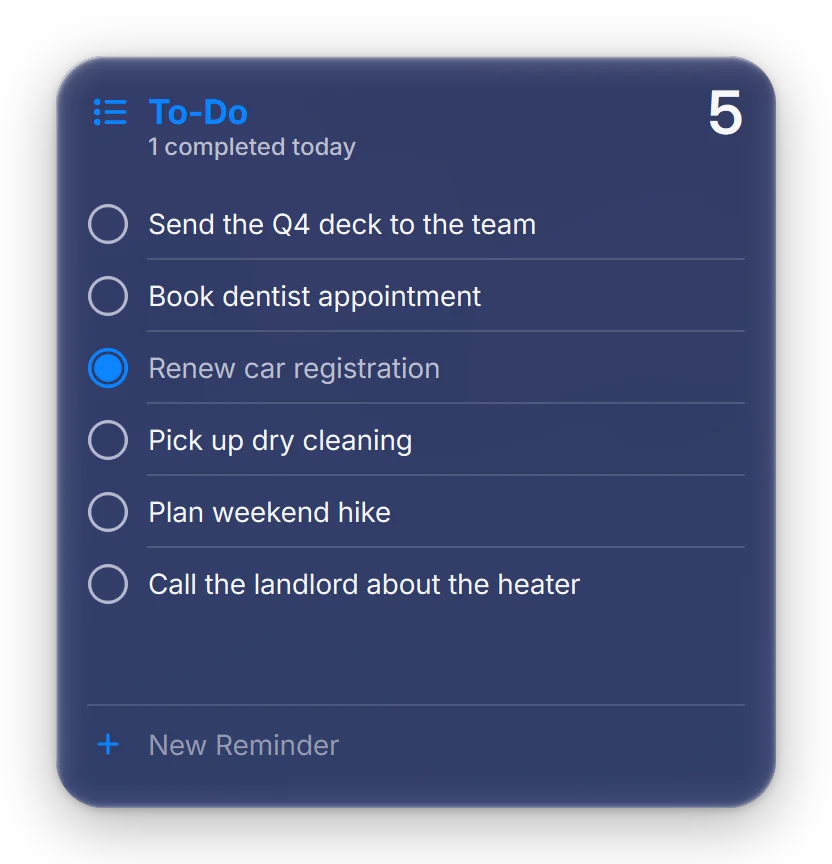
To-Do & Tasks
To-Do & TasksCheck off today's tasks in a calm list, and add the next one without leaving your desktop.
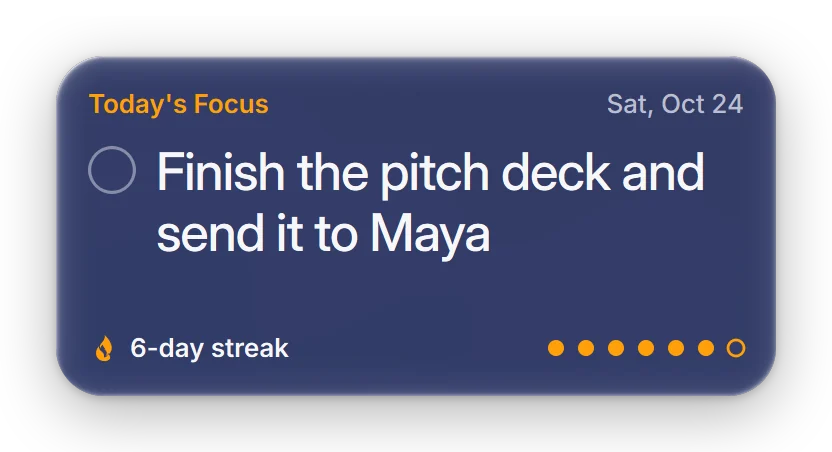
Today's Focus
Today's FocusName the one thing that matters today, check it off, and watch your streak grow.
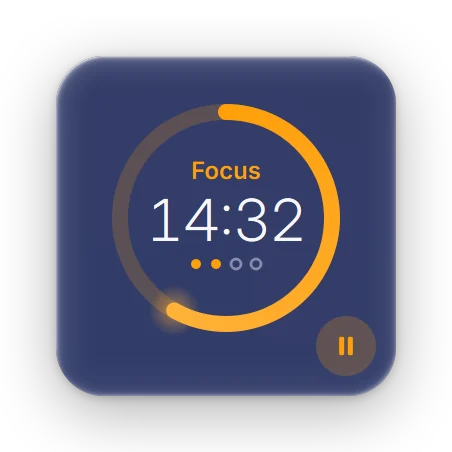
Focus Timer
Focus TimerA calm focus ring that counts down each session and marks every break.
Desktop Sticky Notes
Desktop Sticky NotesA sticky note that saves as you type and keeps its first line as the title.
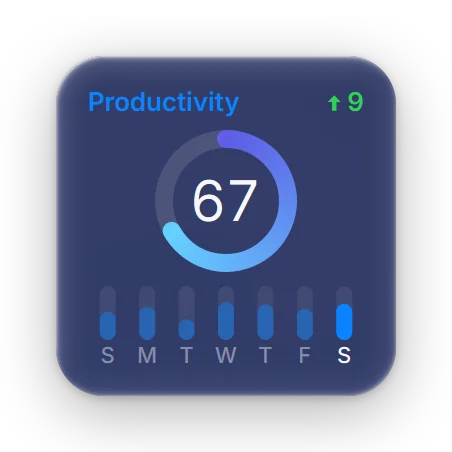
Productivity Score
Productivity ScoreA daily score built from the tasks, focus time, water and workouts you log.
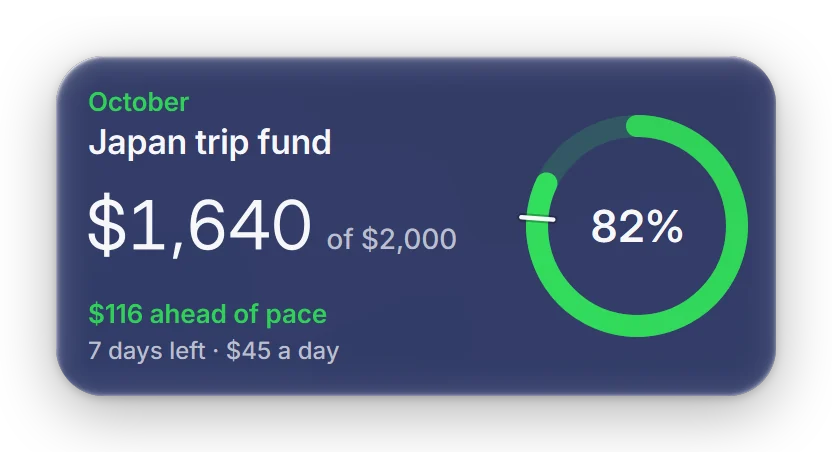
Monthly Goal
Monthly GoalTrack a monthly goal against your pace, so you know if you are ahead or behind.
4

Calendar

Calendar
CalendarToday's events and the whole month, synced from your Google, Outlook or iCloud calendar.
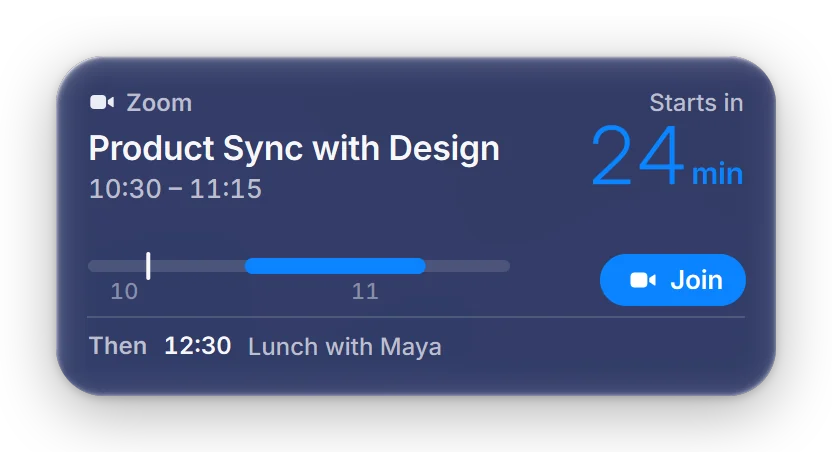
Next Meeting
Next MeetingJoin your next call in one click, with a countdown that tells you when to wrap up.
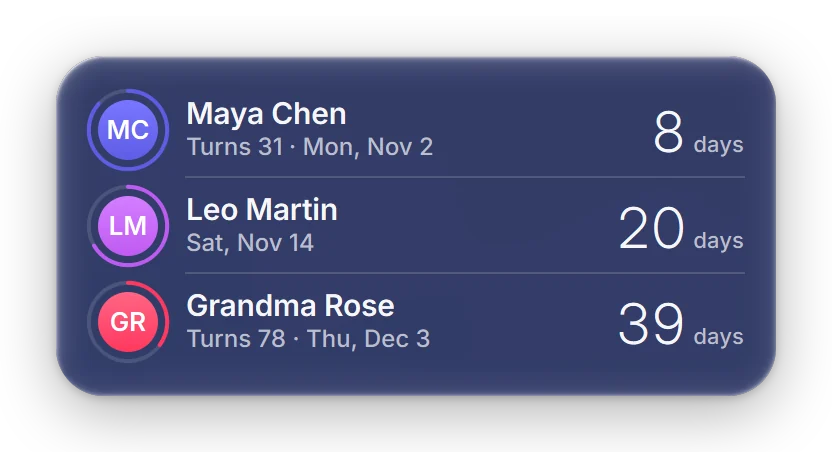
Family Birthday Tracker
Family Birthday TrackerEvery birthday that matters, with a countdown that fills as the day draws near.
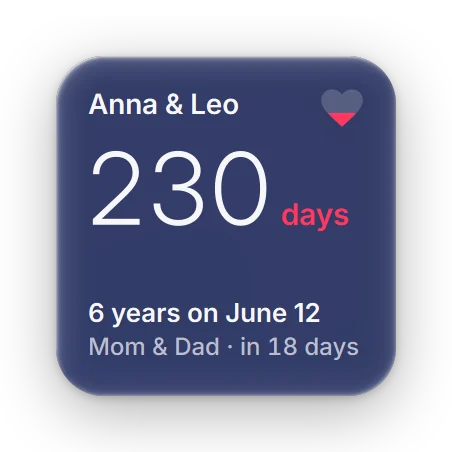
Anniversary Reminder
Anniversary ReminderCount down to the day that matters most to you, and celebrate it when it arrives.
2

Money

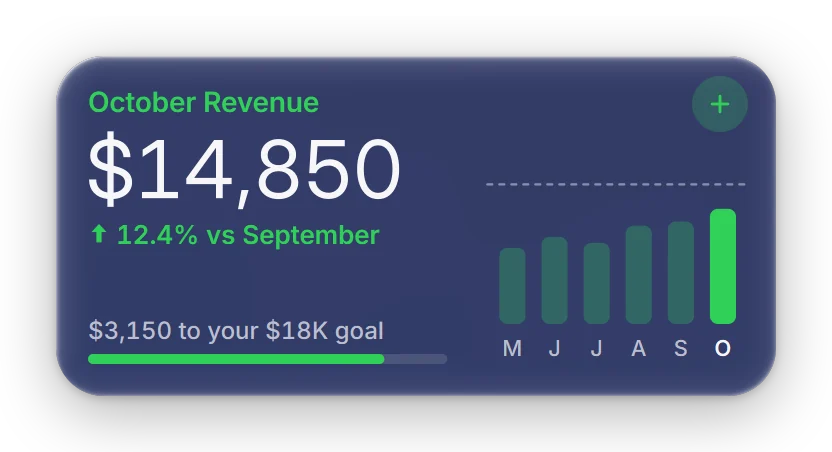
Monthly Revenue
Monthly RevenueThis month's revenue against last month and your goal. Log a payment in a tap.
Monthly Expense Tracker
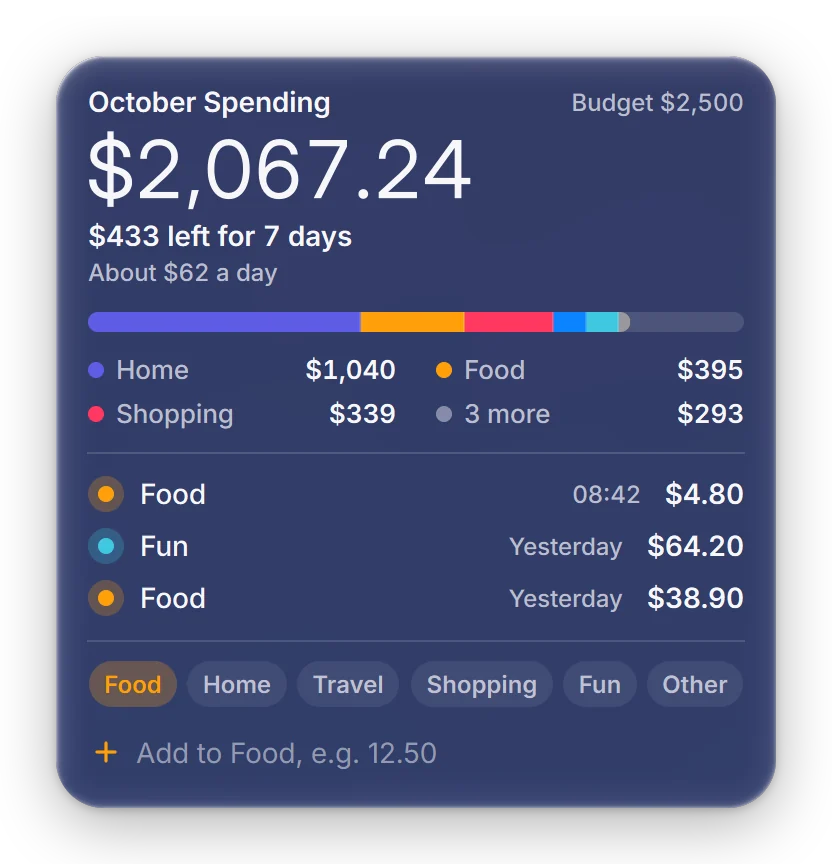
Monthly Expense TrackerWhat's left of your budget this month, and where the money goes.
5

Home life

Water Reminder
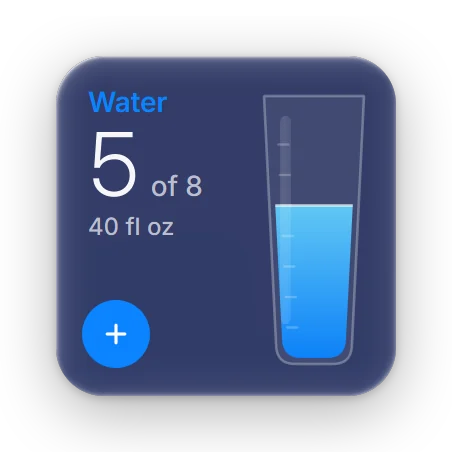
Water ReminderFill a glass of water through the day, with gentle reminders to drink.
Workout Reminder
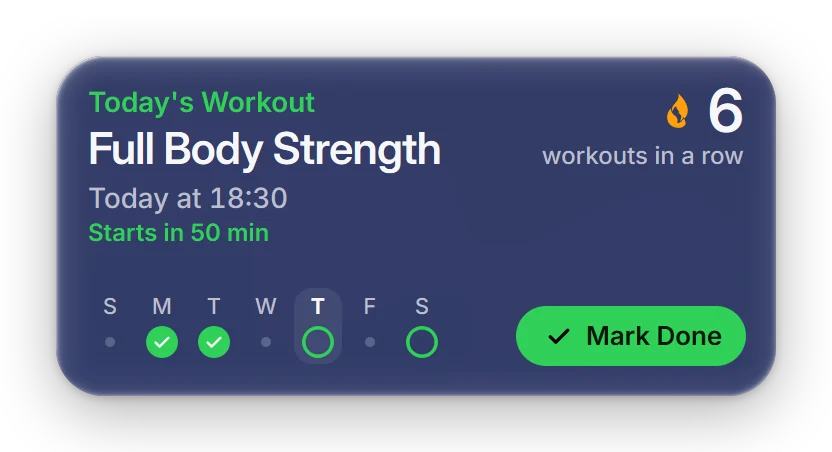
Workout ReminderKeep your workout plan and streak in view, and mark each session done.
Daily Diary
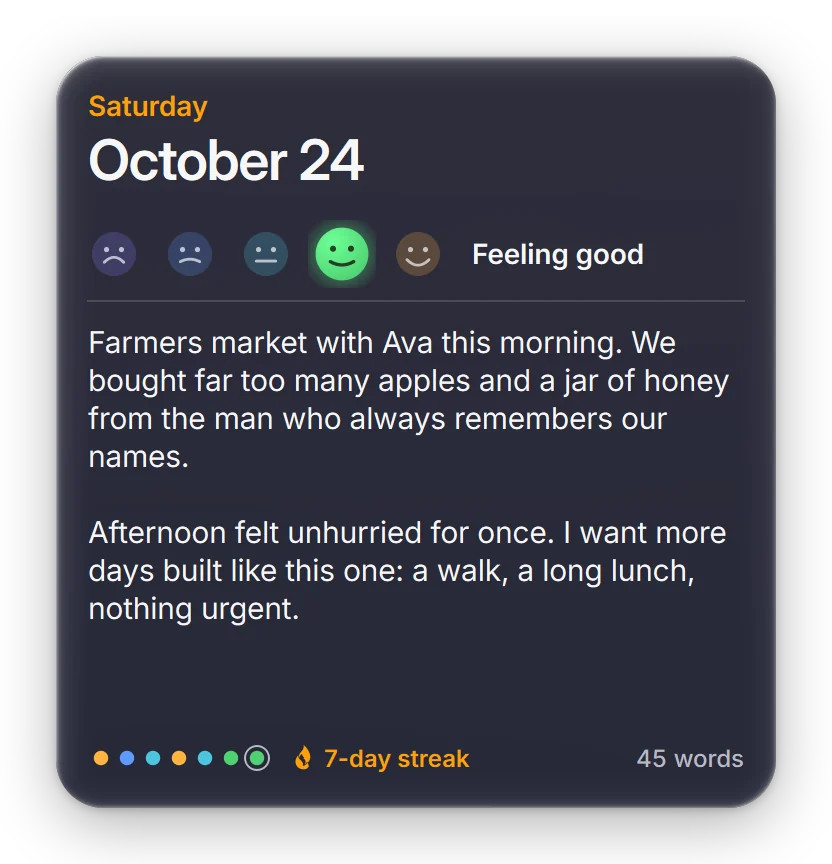
Daily DiaryA few honest lines each day on warm paper, with a mood and a fresh prompt.
Emergency Contact
Emergency ContactThe people to call in an emergency, one glance away, number ready to copy.
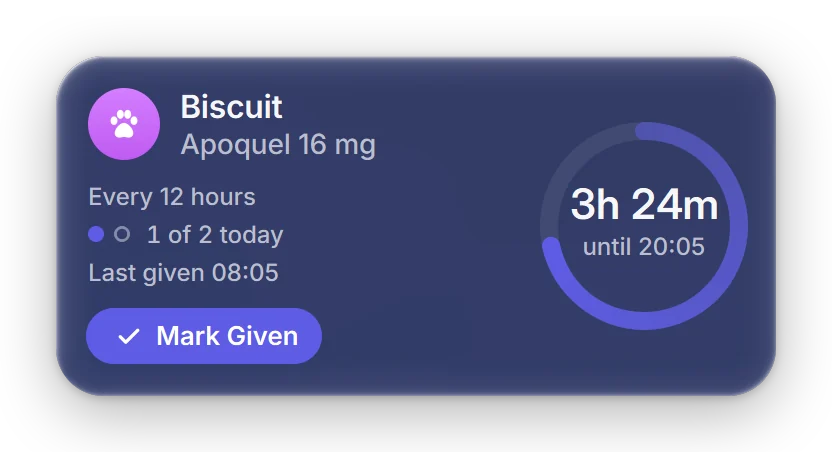
Pet Medication Reminder
Pet Medication ReminderEvery dose on time, with a countdown, a log, and a nudge when one is late.
Digital ClockAnalog ClockMinimal ClockMulti-Time-Zone ClockCurrent WeatherWeather ForecastAir QualityQuick Map ViewSystem MonitorBattery StatusStorage SpaceTo-Do & TasksToday's FocusFocus Timer
Desktop Sticky NotesProductivity ScoreMonthly GoalCalendarNext MeetingFamily Birthday TrackerAnniversary ReminderMonthly RevenueMonthly Expense TrackerWater ReminderWorkout ReminderDaily DiaryEmergency ContactPet Medication Reminder

28

widgets, from clocks to pet medication

0

accounts. Install it and it works

8.5 MB

installer for Windows 10 and 11

2

modes, following Windows light and dark

Lives on your desktop.

01

Pick it in the hub

Open the Sillpop hub, choose a widget in the Widget Store, then Use Widget and Launch. It lands on the desktop itself, underneath your windows. Win+D brings it into view.
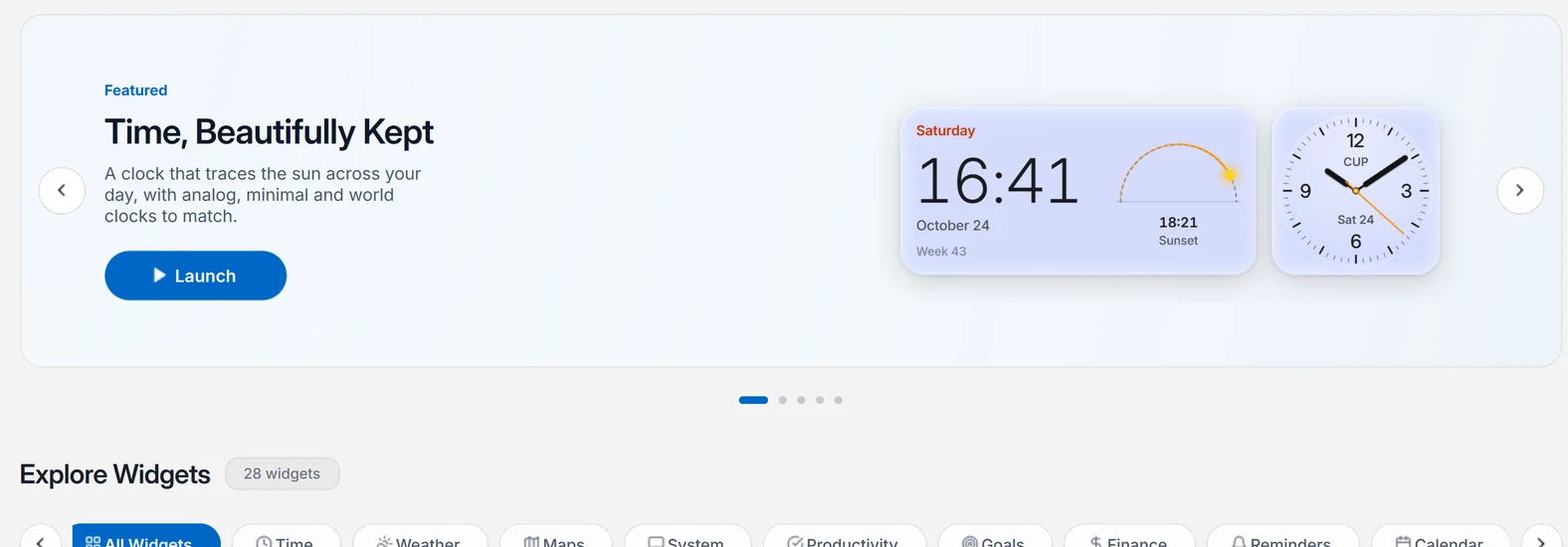
The Sillpop hub, open on the Widget Store
02

Point at it

A card lifts when the pointer reaches it, the light on its glass follows your cursor, and it shows a little more: timer controls, the next hours of rain, a remove button.
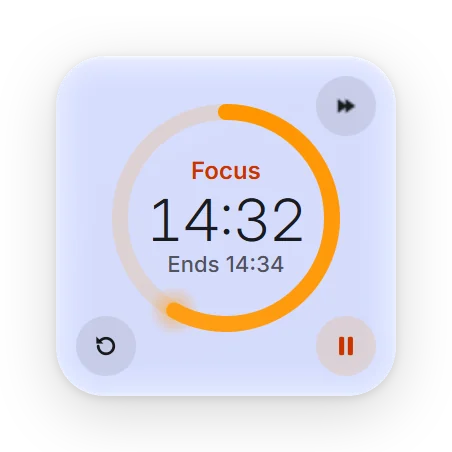
The Focus Timer under the pointer, with its controls showing
03

Make it yours

Right-click and choose Edit Widget to set the city, the units, a goal, the people to remember or a calendar link. Done saves; Esc leaves it as it was.
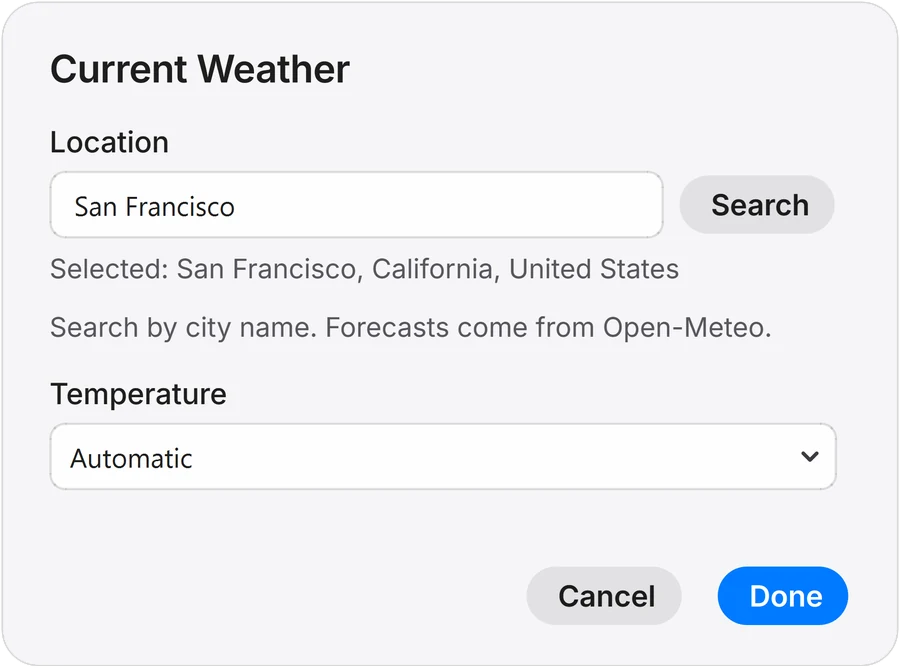
The Edit Widget sheet for Current Weather

Yours. Not ours.

Stays on this PC

Notes, tasks, diary and money are saved in %APPDATA%\Sillpop and never uploaded.

Only what a widget needs

Weather sends the coordinates you chose to Open-Meteo. Maps load OpenStreetMap tiles. Calendars read your own private link.

Out of your way

Widgets live under your windows and never take the keyboard until you click into one.

Works offline

Weather and maps are cached on disk, so widgets keep their last data without a connection.

Pay once. Keep it.

No subscription. Prices in US dollars.

Personal

For one Windows PC

$29one-time

  • All 28 widgets
  • The full liquid glass engine
  • Light and dark mode, every wallpaper
  • Free updates for 12 months

Questions, answered.

Under it. Widgets live on the desktop layer, beneath your other windows, the way icons do. Press Win+D to see them, and right-click one to lock it in place.

No. There is nothing to sign up for. Install Sillpop, choose your widgets in the hub, and they work.

Only what a widget needs to fetch: the coordinates of your chosen place go to Open-Meteo, map tiles come from OpenStreetMap, and calendar links you paste are read from your provider. Everything you type stays in %APPDATA%\Sillpop.

Yes. The glass carries a tint that keeps text at WCAG AA contrast on any wallpaper. If you prefer solid cards, turn off transparency effects in Windows.

No. Both plans are a single payment. Personal covers one PC; Lifetime covers up to three PCs and every update and new widget after that.

Windows 10 and 11. So far it has been tested on Windows 11 with one monitor at 225% scaling; Windows 10 and several monitors have not been tested yet.

Put your wallpaper to work.

One 8.5 MB installer. Windows 10 and 11.

Download for Windows